Private PDF scanner for iPhone and iPad

QuickScanToPDF

Turn paper, receipts, notes, IDs, and forms into clean, searchable PDFs with a private, no-account workflow.
No account requiredOn-device OCRLocal by default
QuickScanToPDF app home screen
QuickScanToPDF export controls screen

Capture, clean, export

A focused scanner for everyday paperwork.

QuickScanToPDF keeps the workflow simple: capture the page, check the result, and leave with a clean PDF.

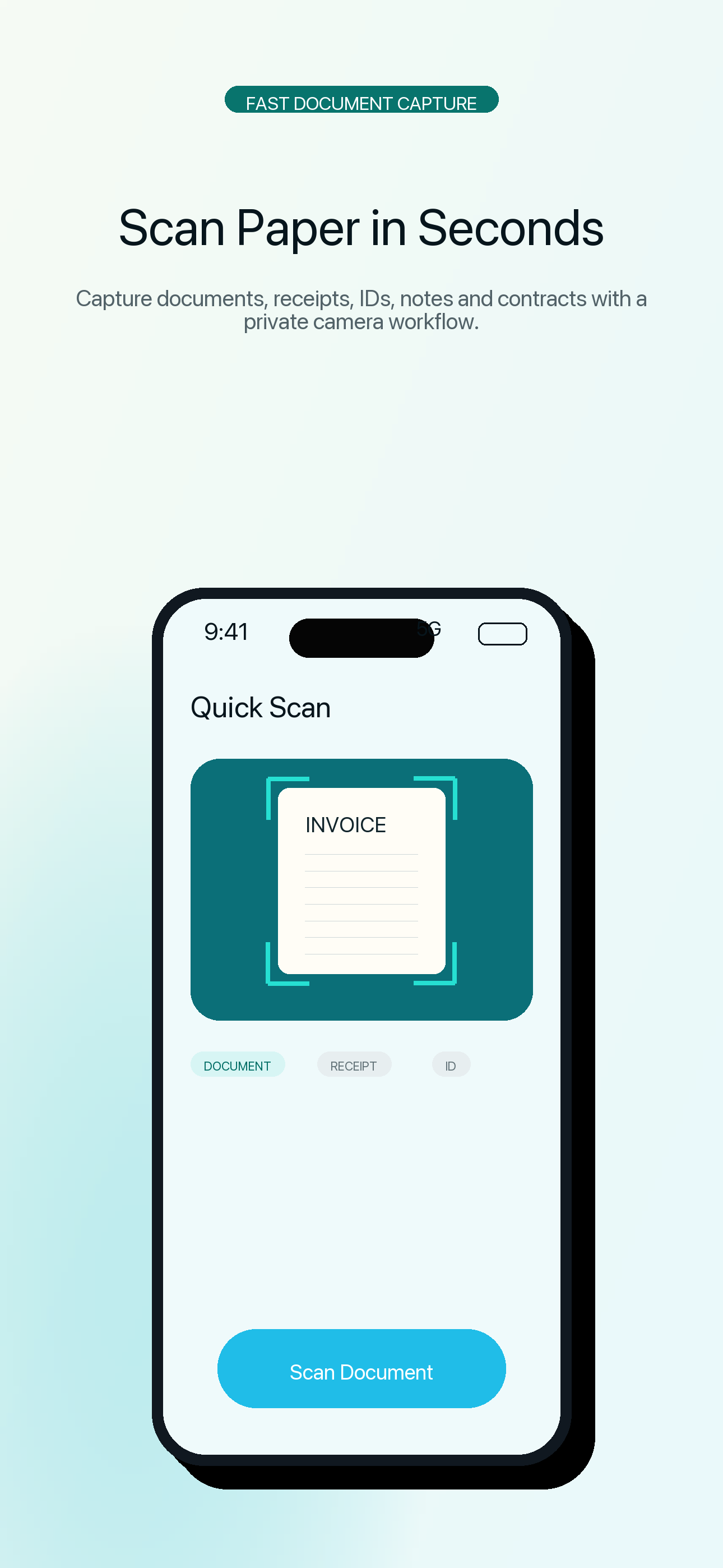
Scan documents

Capture paper, receipts, notes, IDs, forms, contracts, handouts, and signed pages.

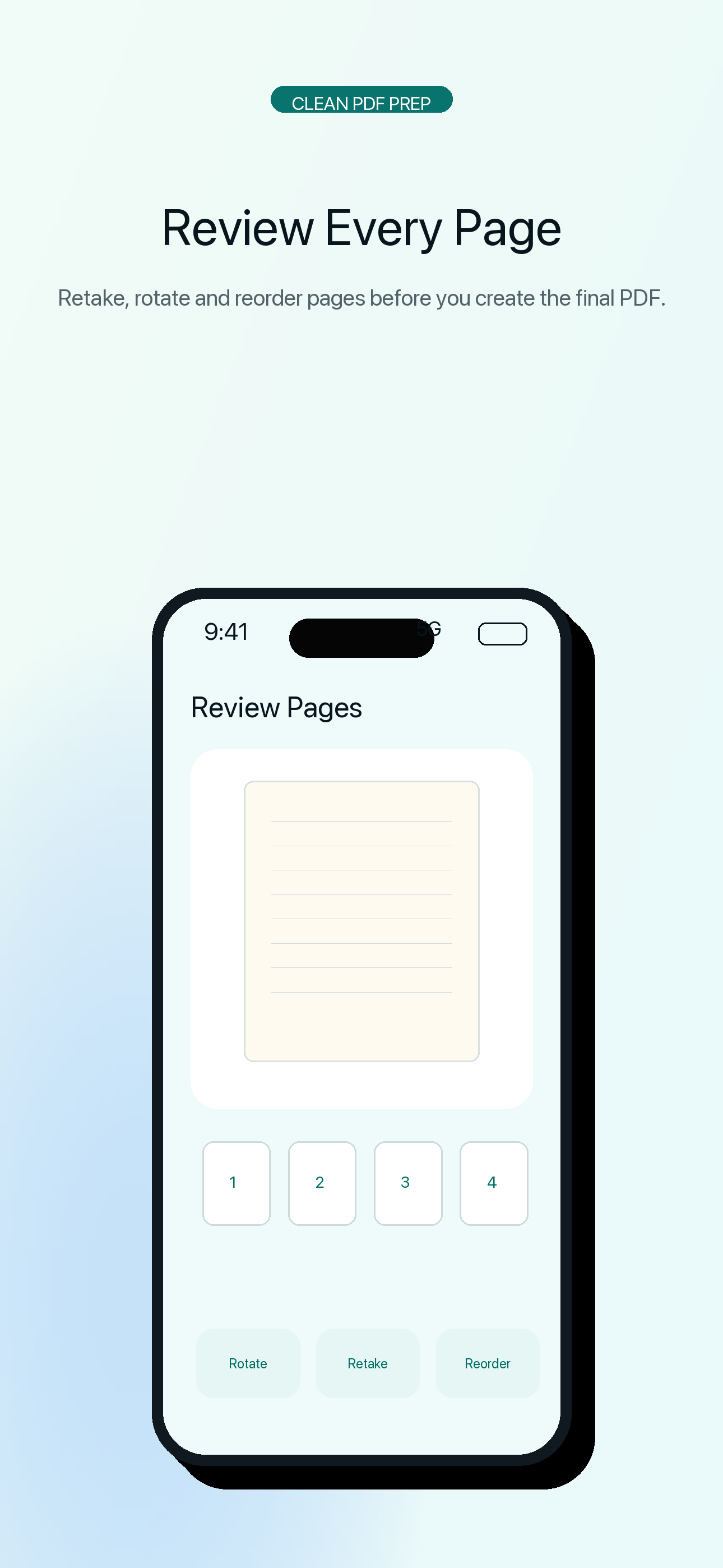
Clean up pages

Review every page before export, then rotate, reorder, retake, or remove pages.

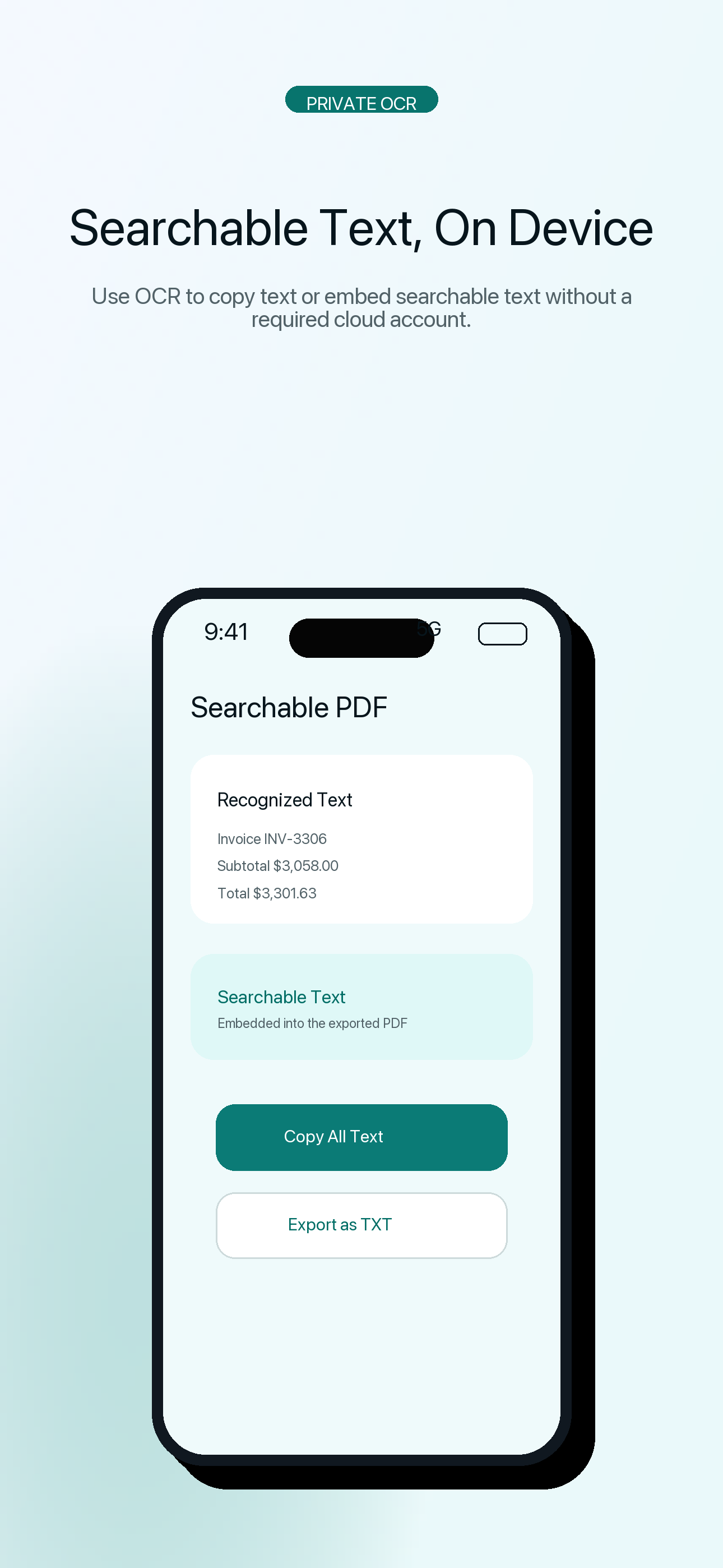
Searchable OCR PDFs

Recognize text on device, embed searchable text in PDFs, and export text as TXT.

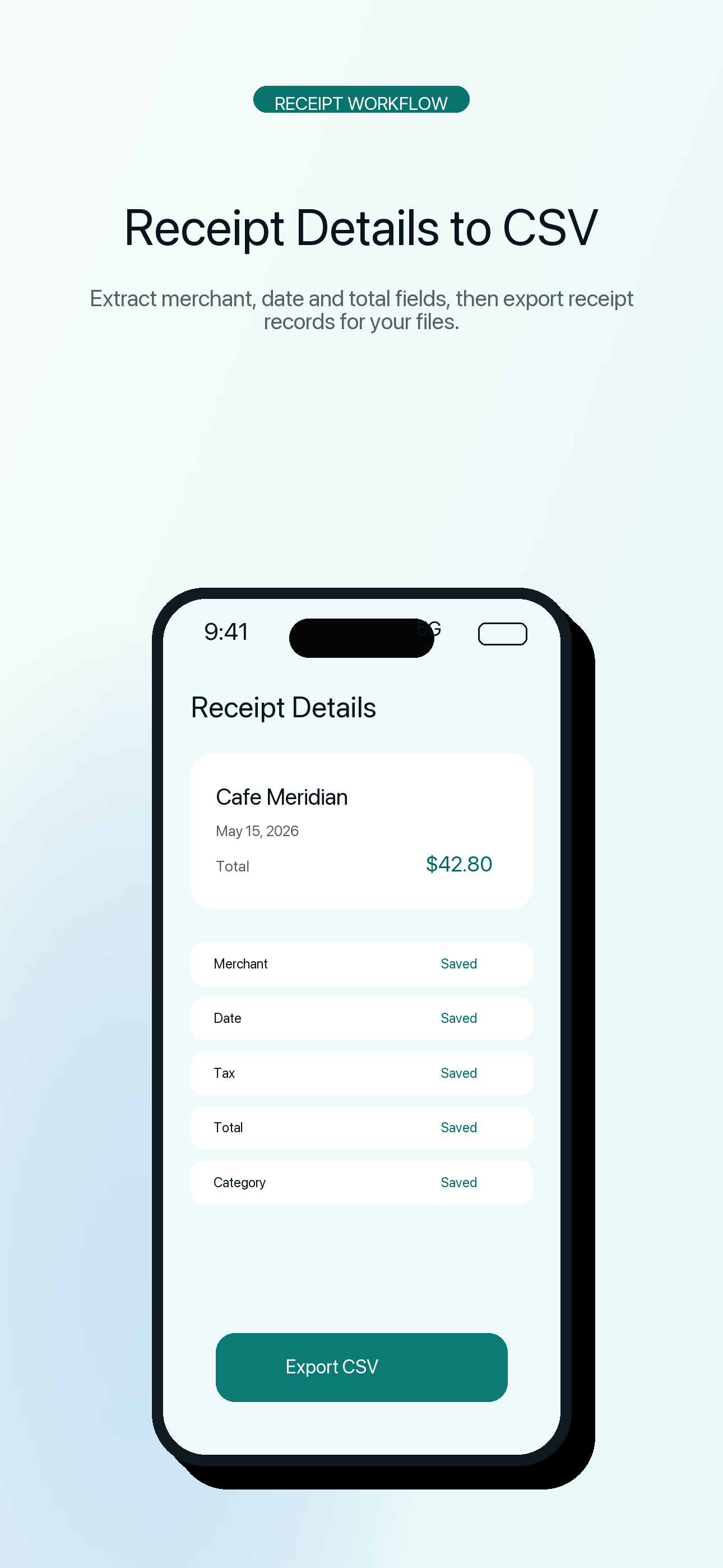
Receipt workflow

Capture receipt scans, review common details, and export receipt records to CSV.

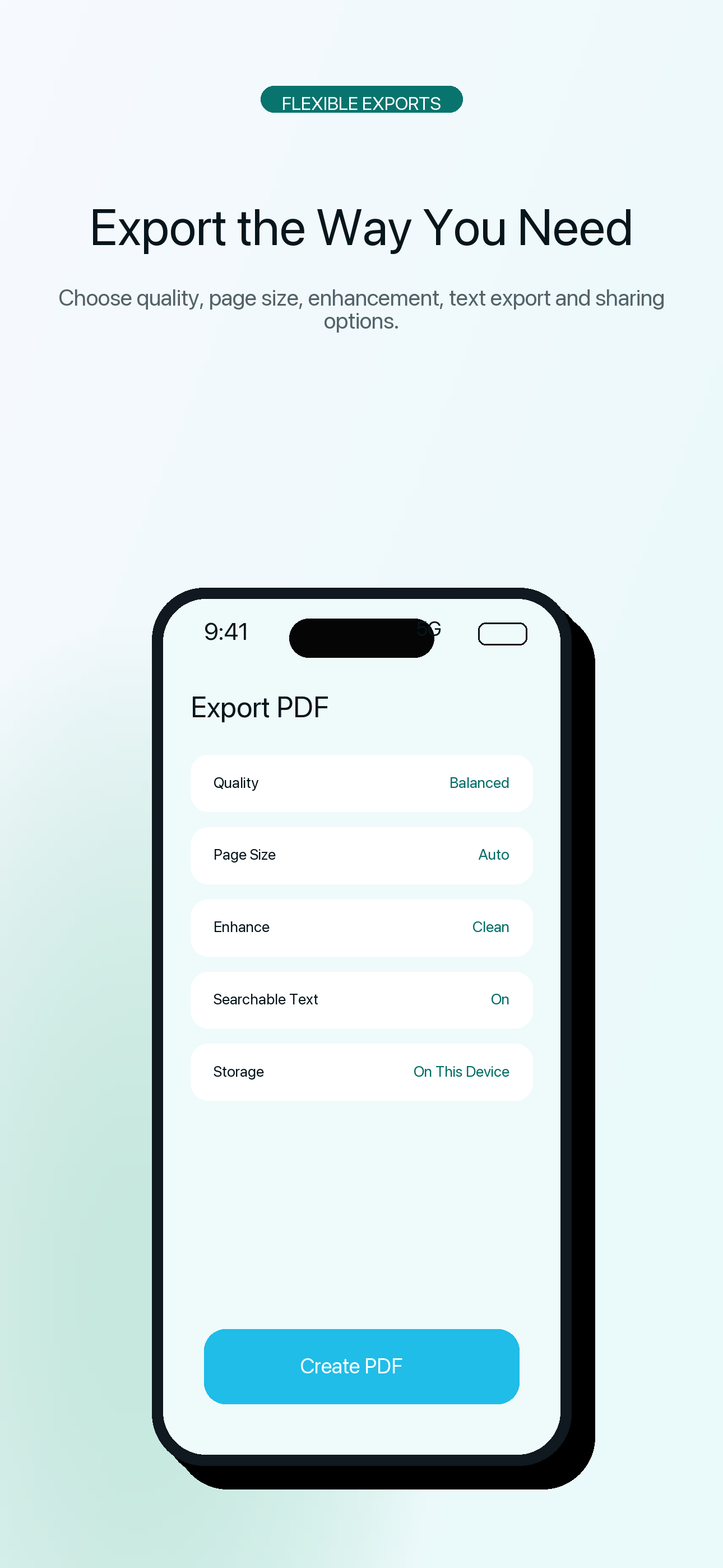
PDF export controls

Choose export quality, page sizing behavior, compact PDFs, and image exports.

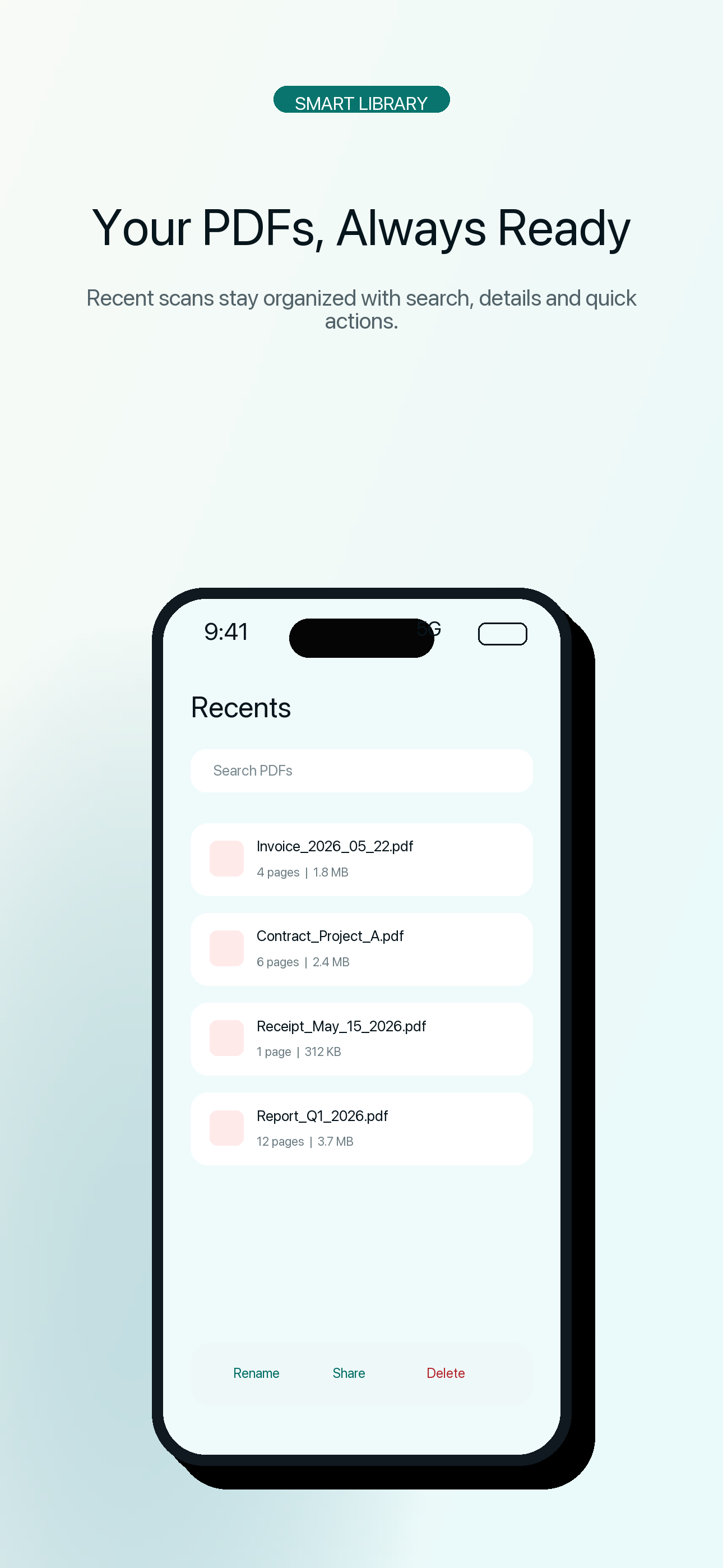
Library management

Reopen recent PDFs, search saved scans, rename, duplicate, share, or delete files.

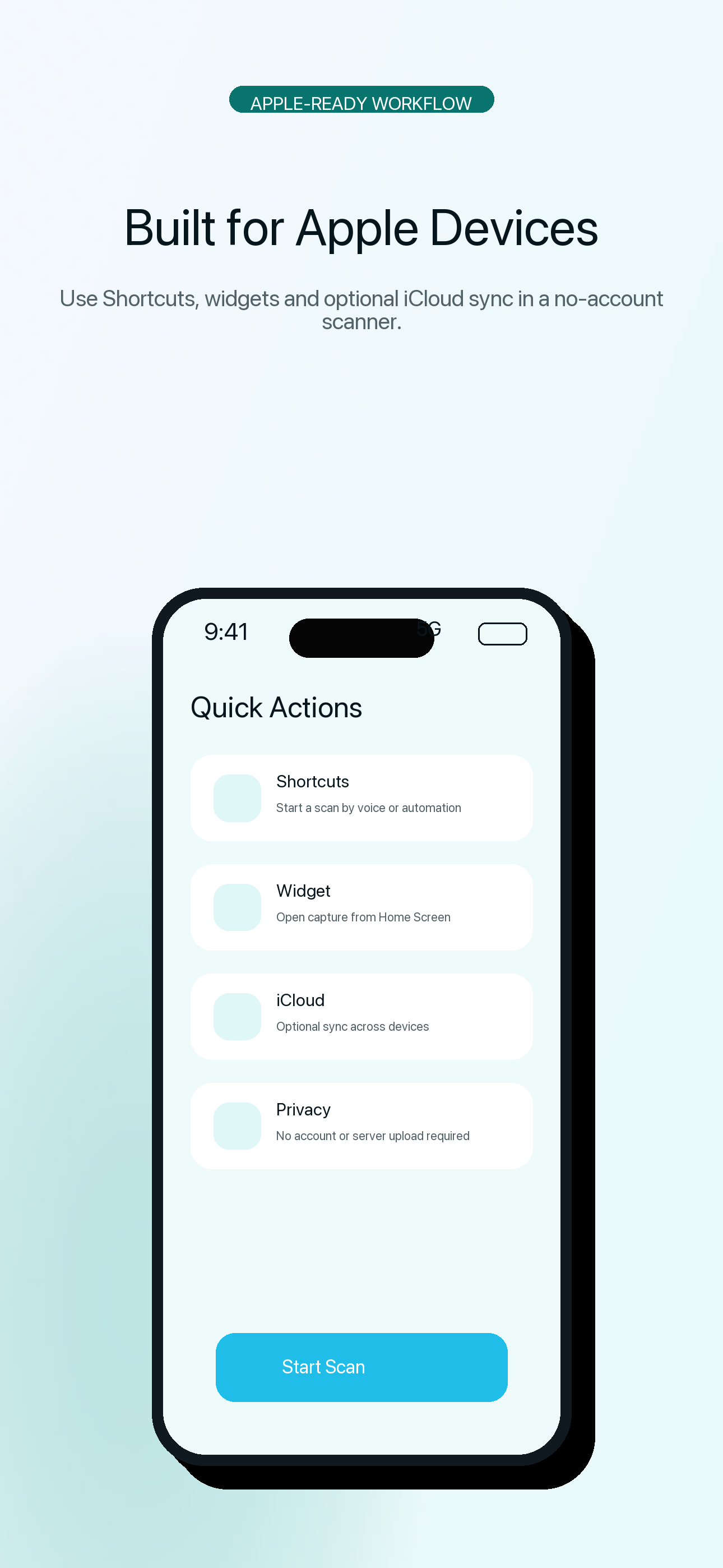
Shortcuts and widget

Start scans from Shortcuts and use the Home Screen widget for quick access.

Privacy-first storage

No account is required. Documents stay local by default, with optional iCloud sync.

Workflow

From paper to PDF in five steps.

  1. Scan
  2. Review
  3. Clean up
  4. Export PDF
  5. Share or save

Screenshots

Real app screens from the App Store asset set.

QuickScanToPDF scan home screen
Start a document scan quickly.
QuickScanToPDF document cleanup screen
Review, clean up, and organize pages.
QuickScanToPDF export screen
Export clean PDFs with practical controls.
QuickScanToPDF smart document naming screen
Use OCR to make documents easier to find.
QuickScanToPDF recents library screen
Reopen and manage saved scans.
QuickScanToPDF privacy and iCloud screen
Keep documents local or enable iCloud.
QuickScanToPDF PDF tools screen
Use focused PDF tools when needed.

Private by design

No account. No required server upload. OCR on device.

QuickScanToPDF stores scans on your device by default. Text recognition runs on device, and optional iCloud sync uses your own Apple ID and iCloud account when enabled.

Privacy highlights

  • No account required
  • Documents stay local by default
  • OCR runs on device
  • Optional iCloud sync is user-controlled

Apple device workflow

Built around system features people already use.

iPhone and iPad supportShortcutsHome Screen widgetOptional iCloud synciOS share sheetCamera, photo, and file import

Ready when the paperwork is

Download QuickScanToPDF on the App Store.

Download on theApp Store